Passport Size Photo Prompt for ChatGPT (US 2×2 Format)
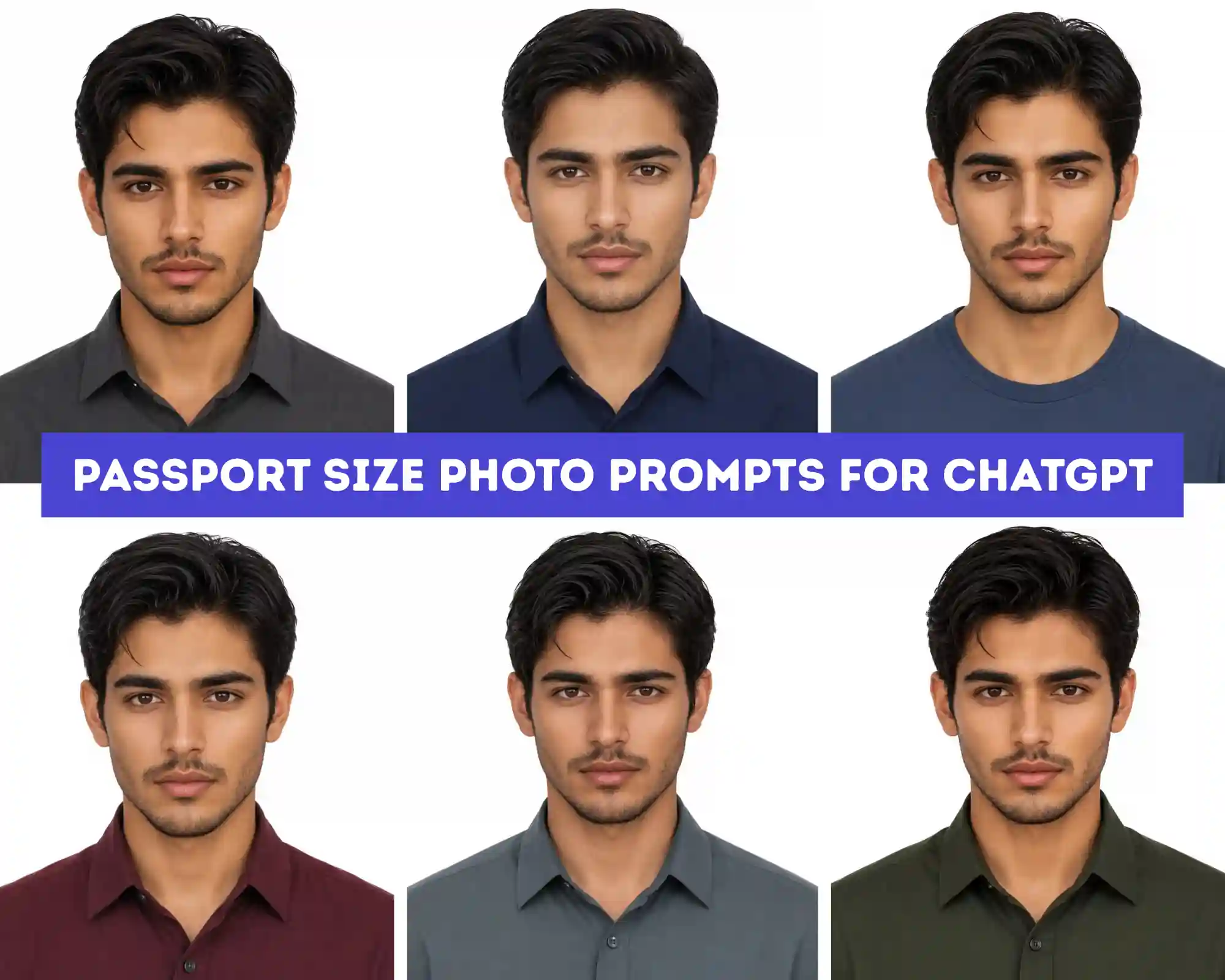
If you’ve tried getting ChatGPT to generate a passport photo before, you’ve probably run into the same problem I did: it nails the face but ignores the actual government spec. A working passport size photo prompt for ChatGPT needs to lock three things at once – exact 2×2 inch framing with correct head height and eye position, a true shadow-free white background, and zero changes to your real facial features. The six prompts below do exactly that, each built around a different shirt color and lighting setup (softbox, ring light, reflector, overhead fill) so you’re not stuck with one flat look if you need photos for multiple applications. They work in both ChatGPT and Gemini, since both models read structured photography prompts the same way once identity lock and camera details are spelled out.
What prompt should I use in ChatGPT for a passport size photo?
Use this prompt in ChatGPT or Gemini for an instant US passport size photo:
“Using my uploaded photo as the only face reference, keep my exact facial features, skin tone, and hairstyle unchanged. Create a US passport photo in 2×2 inch format, facing forward with a neutral closed-mouth expression, both ears visible. Use a plain white background with soft, even, shadow-free lighting. Dress me in a plain collared shirt. Keep the result sharp, realistic, and natural — no smoothing or filters.”
Copy this exact prompt, upload a clear front-facing photo, and paste it into ChatGPT or Gemini to get a compliant result in one try.
6 Passport Size Photo Prompts for ChatGPT & Gemini (US 2×2 Format)
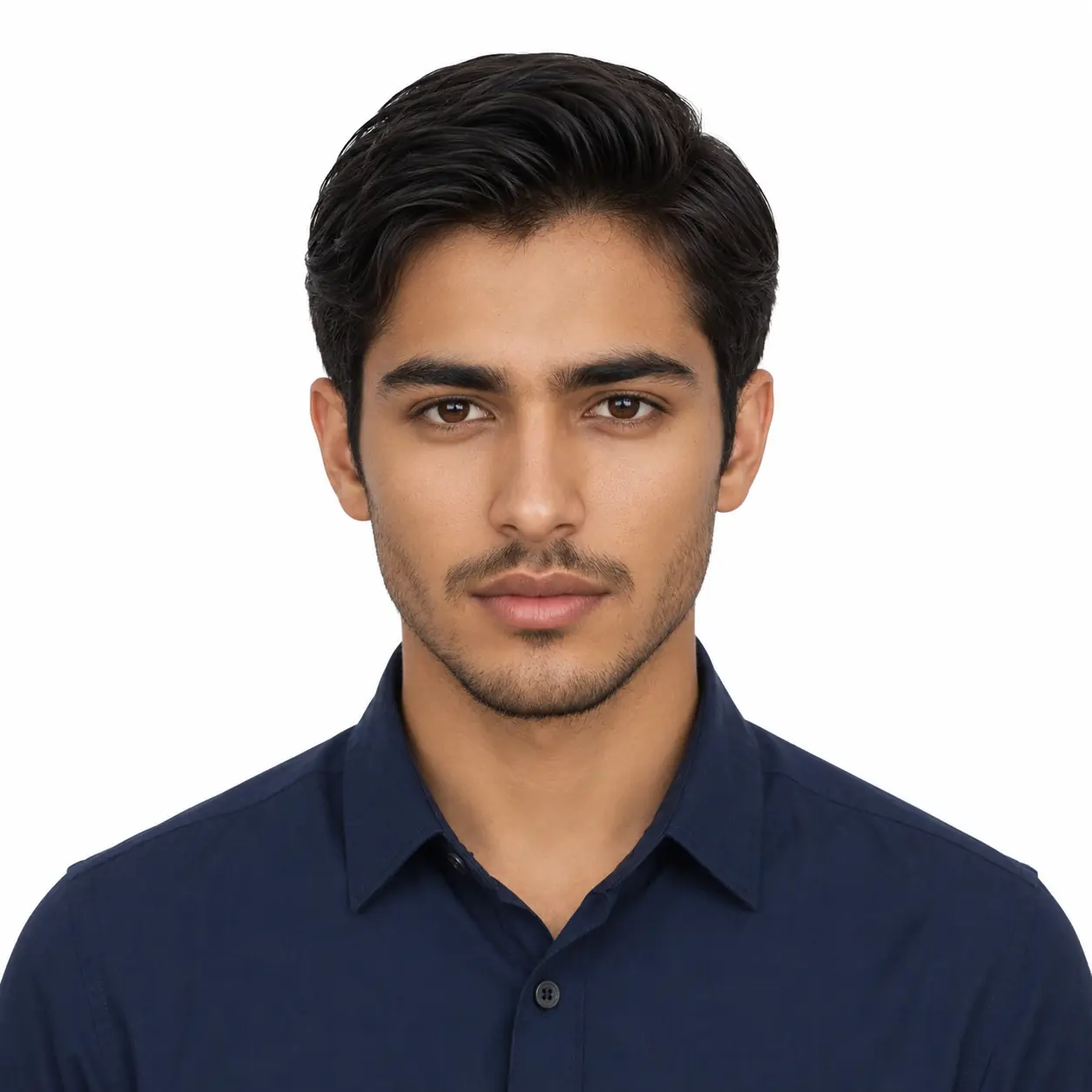
AI Passport Photo Generator Prompt – Navy Shirt, White Background (US Standard 2x2)
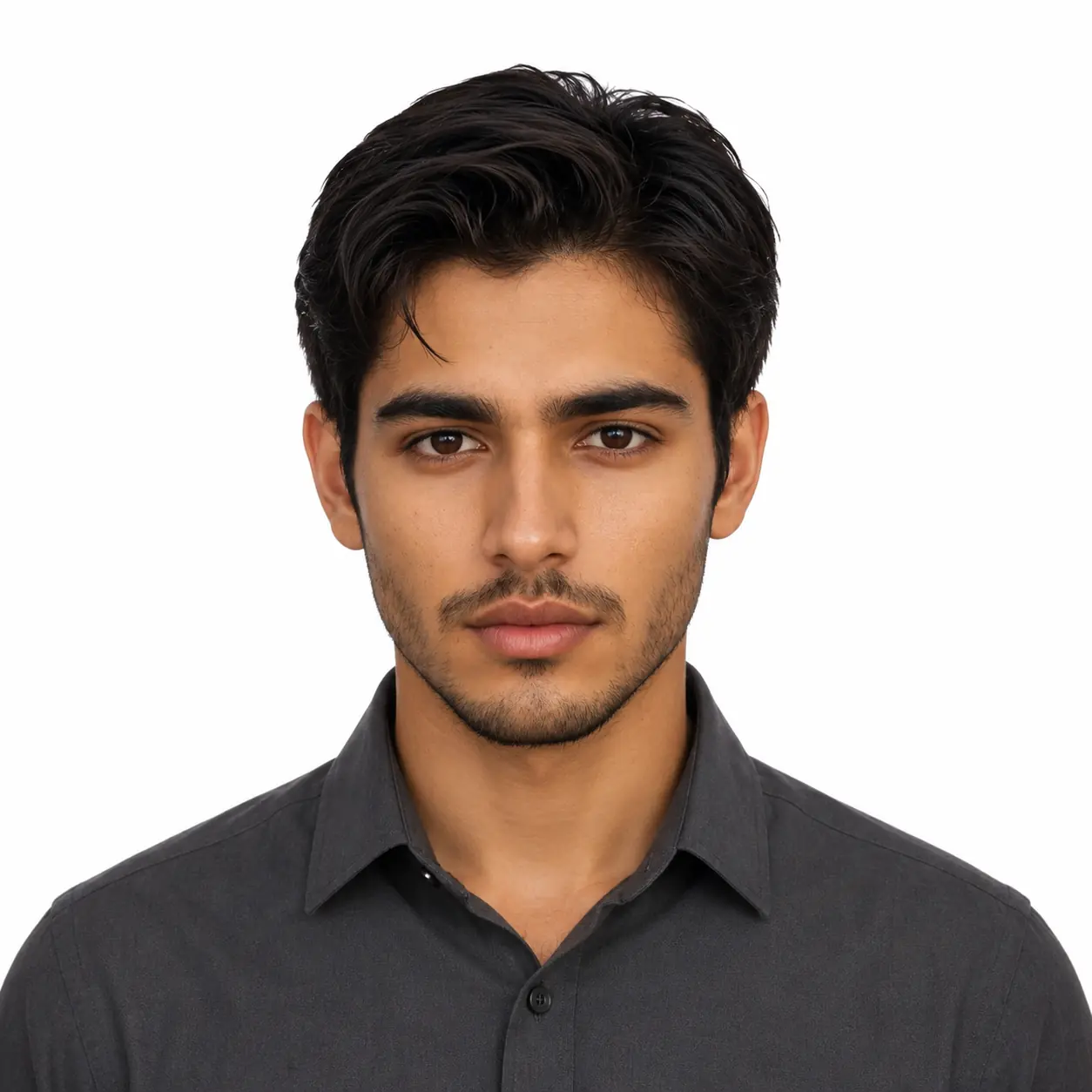
ChatGpt US Passport Photo Prompt – Professional Grey Shirt, Studio Lighting
ChatGpt Generated Passport Photo Prompt for Men – Maroon Shirt, US Government Standard
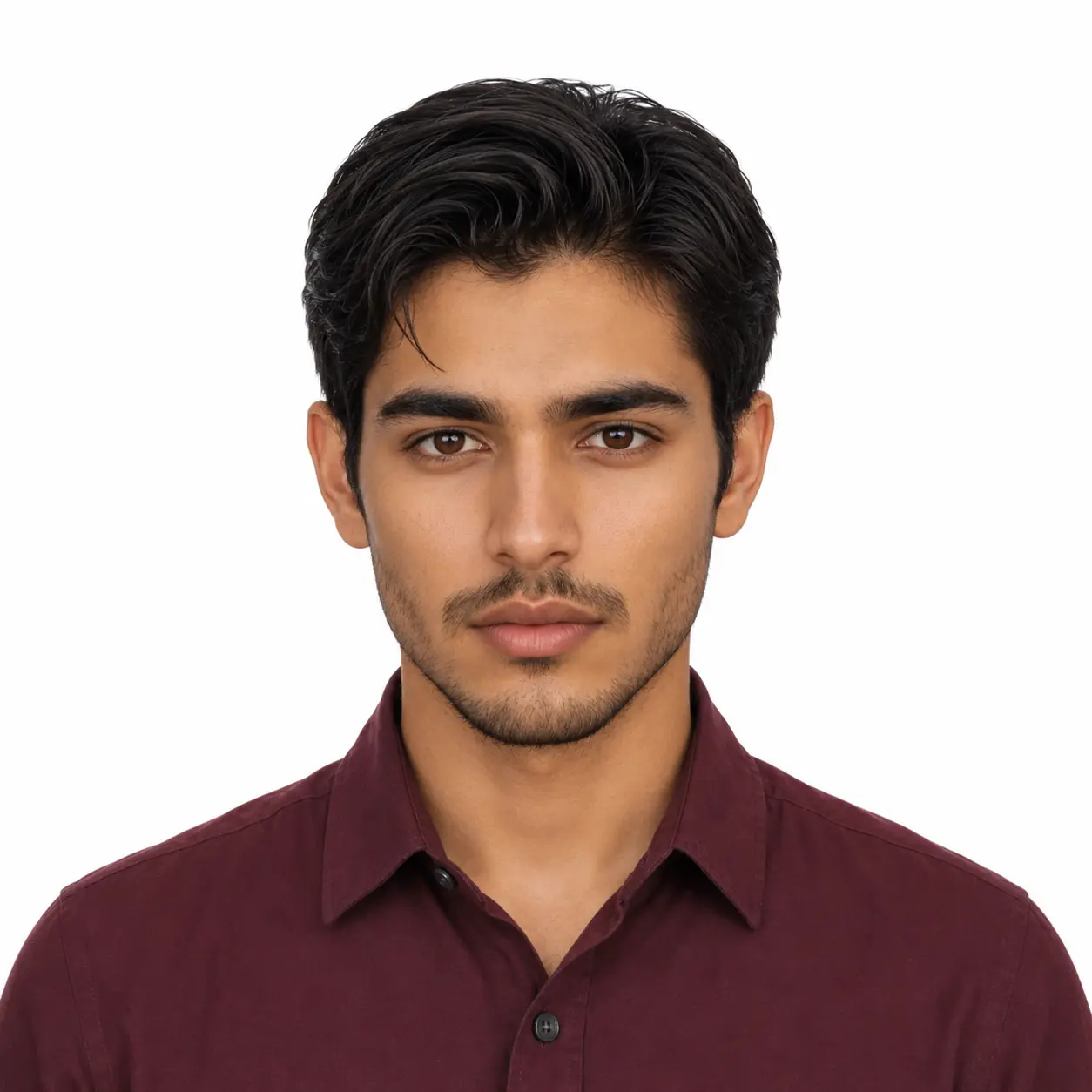
US Passport Photo AI Prompt – Ring Light Setup, Slate Blue Shirt (2x2 Inch)
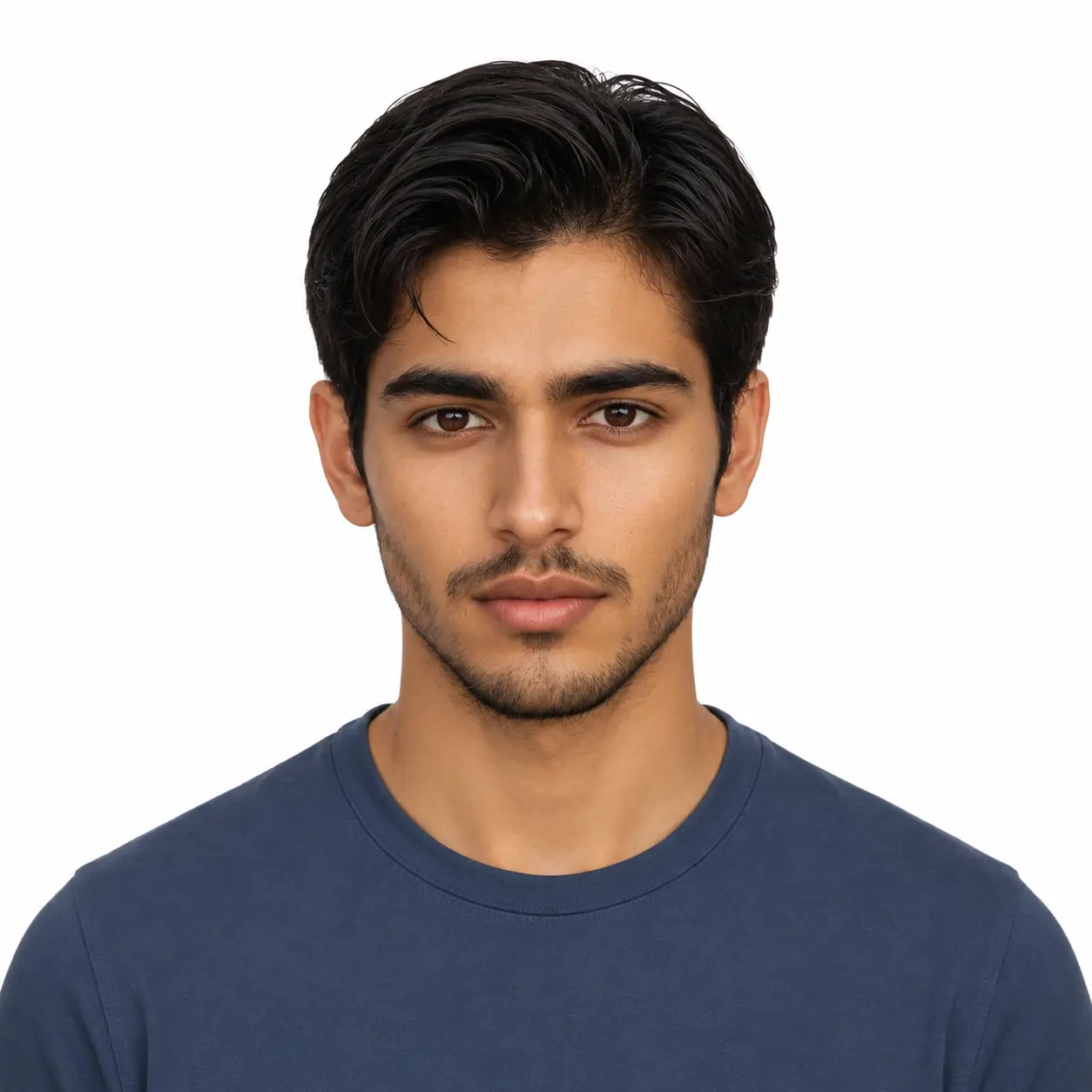
Chatgpt & Gemini Passport Size Photo Prompt – Olive Green Shirt, Soft Reflector Lighting, US Format
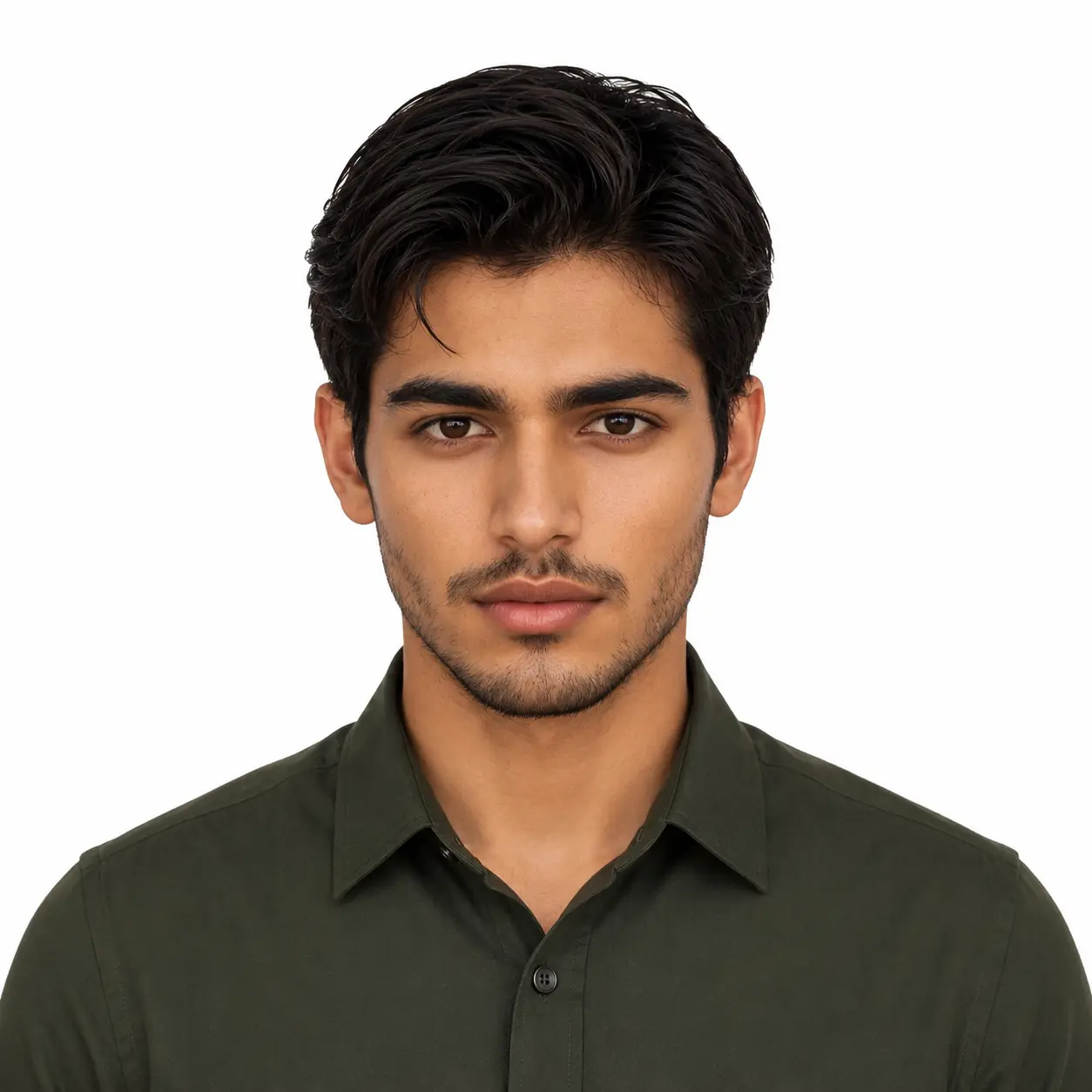
ChatGPT & Gemini US Passport Photo Prompt – Teal Shirt, Overhead Softbox Lighting
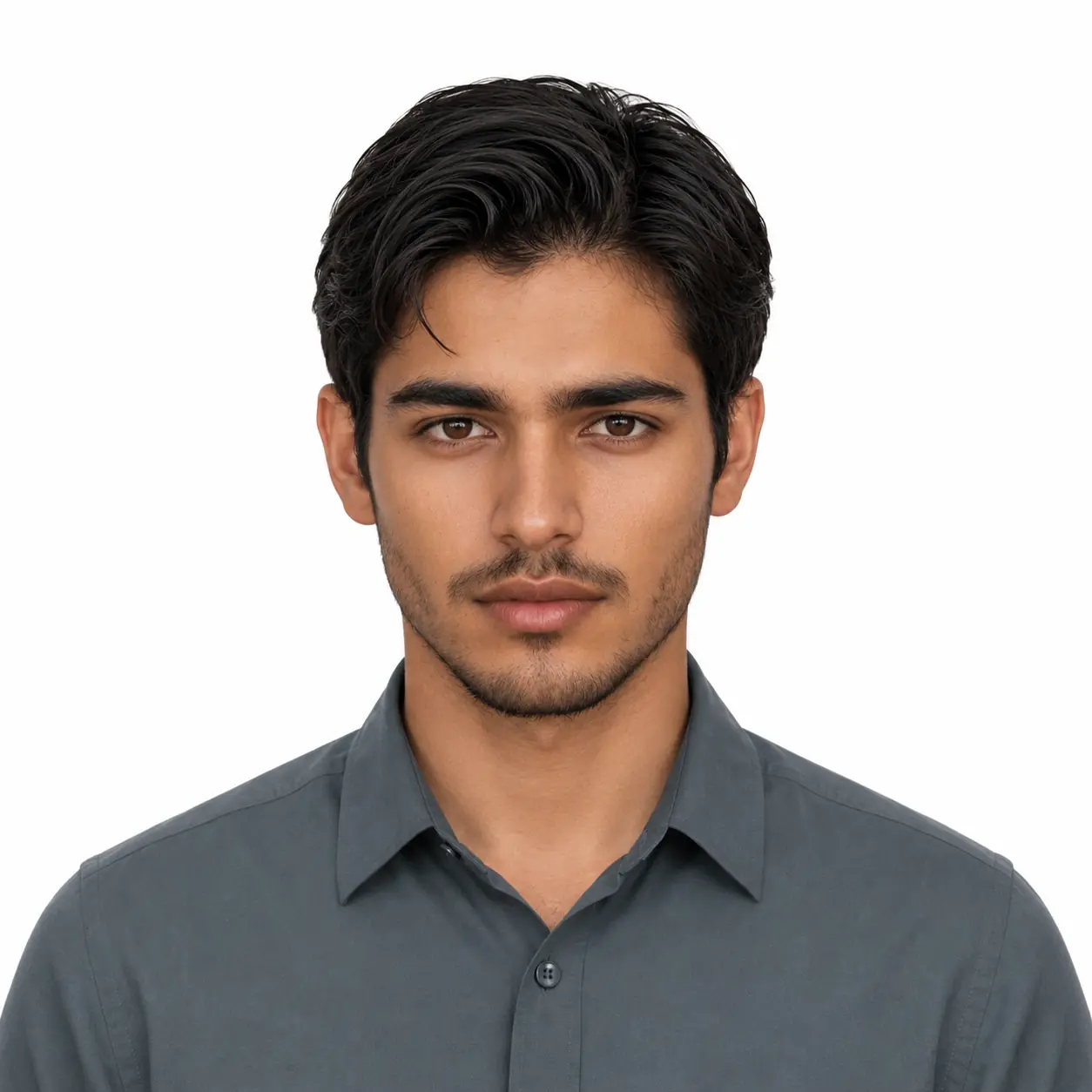
How to Use These Passport Photo Prompt
- Upload a clear, well-lit reference photo of your face, front-facing, no sunglasses, no heavy shadow on one side. Since these prompts each specify a different lighting rig (ring light, overhead softbox, reflector bounce), the model relies entirely on your reference for the actual face; a dark or angled photo will fight against the lighting instructions instead of blending with them.
- Pick the shirt color that matches your intended use, navy or grey for a standard official look, maroon or olive for stronger contrast if your background separation is coming out slightly grey instead of pure white.
- Paste the full prompt exactly as written, including the measurement specs (chin-to-crown height, eye position). Don’t shorten this part, it’s what tells ChatGPT to actually target 2×2 passport proportions instead of a generic portrait crop.
- If you have a beard or facial hair, double-check the output against your reference. These prompts instruct the model not to trim or add facial hair, but it’s worth a visual confirmation before printing, since passport agencies reject photos that don’t match your current appearance.
Tips for Best Results
If your background keeps coming out slightly grey instead of pure white, start with the slate blue or olive green prompt. The ring light and reflector lighting on these two give the cleanest, most even result. The softbox versions can leave a faint shadow under the chin on rounder or wider faces, so if that happens, just switch to the reflector version instead of trying to edit it out later. One thing worth being careful about is facial hair. The prompt keeps it untouched, but if your reference photo is low resolution, the model can slightly blur out finer details like stray hairs. Using the sharpest photo you have makes a noticeable difference here.
FAQs
Does the shirt color affect passport photo approval?
No — passport agencies don’t regulate shirt color, only that it contrasts enough with the white background for a clean cutout. Any of the six colors here (navy, grey, maroon, slate blue, olive, teal) work fine; pick whichever separates best from white in your specific reference photo.
Will ChatGPT actually get the 2×2 inch measurements right, or just the general look?
It follows the head-height and eye-position ratios reasonably well when they’re stated explicitly in the prompt like they are here, but it isn’t running an actual measurement tool. Treat the output as a strong starting point and verify final sizing with a passport photo cropping tool before printing.
Can I use these prompts if I wear glasses?
Yes, but keep glasses on in your reference photo rather than asking the model to add or remove them, since most current passport rules don’t allow glasses at all — check your specific country’s requirement before generating, since removing them convincingly is where these prompts are least reliable.
Conclusion
With these six prompts, you have enough variety in shirt color and lighting to generate a passport size photo that actually meets US 2×2 standards without a studio visit. Start with whichever lighting setup matches your face shape best, and keep your reference photo sharp so ChatGPT or Gemini has enough detail to work with. Once your passport photo is sorted, you can also try something more creative with the same tools, like these Erling Haaland wallpaper AI prompts for a completely different style using Gemini.